
Quick tl;dr on media descriptions in Mastodon:
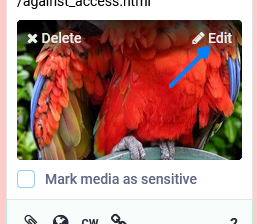
1. When you attach a thing - music, video, image, whatevs - the "Edit" button in the upper-right of the preview gives you a text box.
2. Besides screen readers and the like, hovering a mouse over the media shows the description.
3. A good media description lets everyone in on the joke so we can tell what this is and why it matters.
A couple cool links re: 3:
- Alt Text as Poetry https://alt-text-as-poetry.net/
- Against Access https://audio.mcsweeneys.net/transcripts/against_access.html


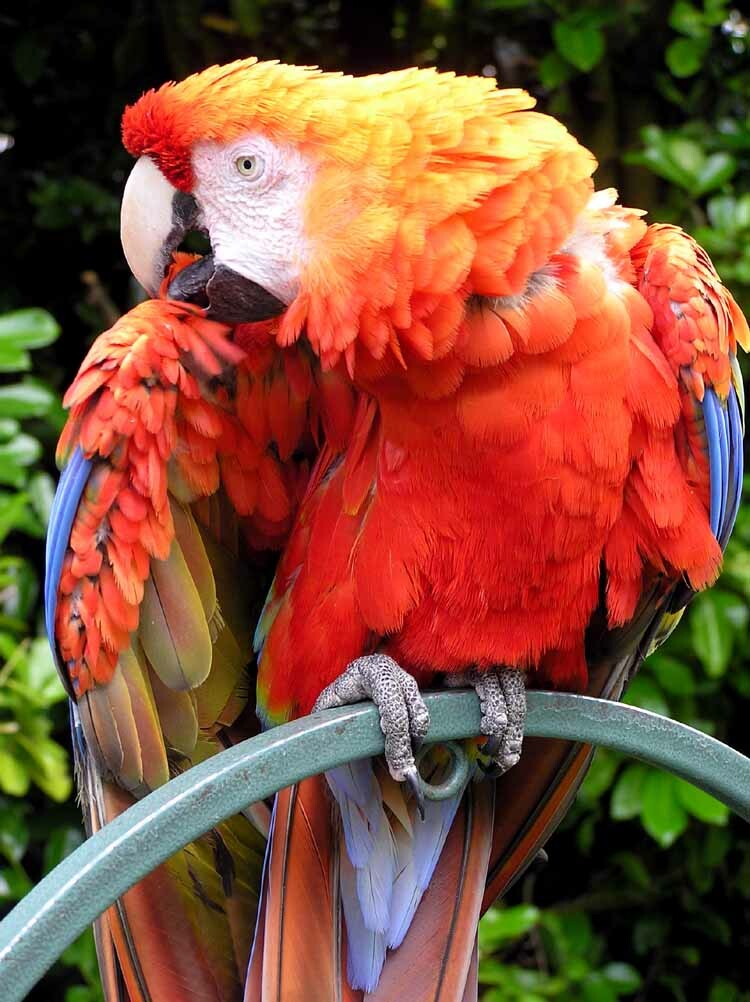

@packbat i wonder if that macaw has a name, they probably live at a zoo somewhere (and are probably still around, parrots have quite long lifespans)
-F

@packbat somewhat amusingly, the famous picture doesn't appear anywhere on the (english, at least) wikipedia page for the scarlet macaw
-F