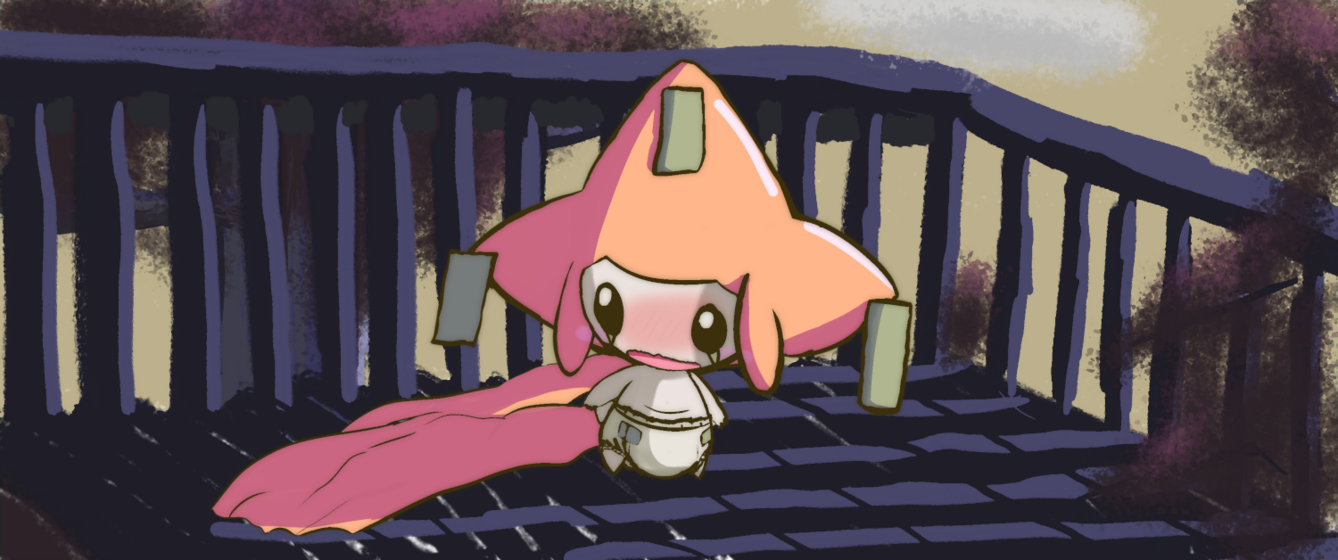

Crinklewott 💕 @thingywott@awoo.space

oh hi! i do computers, and sometimes draw stuff~ i like lo-fi things and cute aesthetics!
i also probably like you
(also, tagged #abdl ahead, soooo 🔞)
Joined Nov 2017
@ctrlaltdog@chitter.xyz with some conviction, you can treat them like that!
during the interview process, ask them questions, and if you don't like what you hear, keep looking!
this effect heightens if you already have a job, since you don't need to quit your previous job to do this; you can be as picky as you like in that case
though if your resources are running low, it's true you might need to settle for something not too great before you start looking for your *real* job after you get hired
@ctrlaltdog@chitter.xyz i usually just envision what i want, and try to research the things i need to make that possible as they pop up
it's like trudging through mud the first time, but it gives some extremely practical experience that's hard to forget when you finally learn how to do a thing for yourself ^^
(speaking of, good luck!)
@ctrlaltdog@chitter.xyz a lot of this might seem kinda complicated, but honestly, you basically get this setup by default, and just need to tweak things until they look like you want
and speaking of that, the css is prepossessed too, so a lot of changes you can make can be done by just changing some variables in the main scss file: https://github.com/Archenoth/archenoth.github.io/blob/master/css/main.scss
@ctrlaltdog@chitter.xyz the "layout" thing along the top just determines which of the layout tempates it's gonna use for the page, which are all here: https://github.com/Archenoth/archenoth.github.io/tree/master/_layouts
so each blog posts is like this: https://github.com/Archenoth/archenoth.github.io/blob/master/_layouts/post.html
and that in turn has layout: default, which is this: https://github.com/Archenoth/archenoth.github.io/blob/master/_layouts/default.html
the includes are all in the include folder: https://github.com/Archenoth/archenoth.github.io/tree/master/_includes
@ctrlaltdog@chitter.xyz hee, not quite
i write in markdown, which github just renders richly (you can look at the raw versions by clicking "raw" on github)
for example, here's the notes page: https://raw.githubusercontent.com/Archenoth/archenoth.github.io/master/notes.md
compared to what it renders as on my site: https://archenoth.com/notes/
and here's a blog post: https://raw.githubusercontent.com/Archenoth/archenoth.github.io/master/_posts/2013-10-09-Sneaky-images.md
and how that renders: https://archenoth.com/tricks/2013/10/07/Sneaky-images.html
@ctrlaltdog@chitter.xyz you see the posts on the site?
those are just these, converted by jekyll into my layout: https://github.com/Archenoth/archenoth.github.io/tree/master/_posts
@ctrlaltdog@chitter.xyz oh yeah, this will be very good for you then~
jekyll works by reading simple markdown files, and makes pages out of them according to a layout and style you only define need to define once
it also can generate html based on files in a folder--for example, you see the navbar along the top of this site? https://archenoth.com
those are just the .md files in this folder (jekyll did the rest, including the nav links): https://github.com/Archenoth/archenoth.github.io
@ctrlaltdog@chitter.xyz i think you can kinda force it to make one (this came up in a cursory search: https://gist.github.com/billywatson/8620783)
but AFAICT, yeah, it's primarily used for making web applications, and not really static sites
jekyll is very good at doing that though! and it simplifies making a site to an almost extreme degree--which will make sense after you play with it a little~
@ctrlaltdog@chitter.xyz oh yeah, ruby on rails also requires a server that can run custom code, so that's probably a no-go if you are trying to host on github
but if that's fine, it's actually what mastodon was written in: https://rubyonrails.org/
and here's jekyll's homepage, made with jekyll: https://jekyllrb.com/
github has builtin support for this: https://help.github.com/en/github/working-with-github-pages/setting-up-a-github-pages-site-with-jekyll
@ctrlaltdog@chitter.xyz it sounds like they were talking about 1 of 2 things:
1) ruby on rails: a crazy-big framework for making web applications extremely fast (for an idea about how fast, the "hello world" tutorial is making a blog from scratch)
2) jekyll: a static site generator built into github for making blogs and other things really fast by mostly just editing simple markdown files
seeing that your site is a github site, i would probably look at the latter. (it's actually what i use for my site~)
canpol, reminder
if you're in canada, don't forget to vote today!!
@ctrlaltdog@chitter.xyz that's why it's good for chores actually!
i think that's why i always listen to them when doing idle stuff, because it means that my focus stays on them implicitly
@ctrlaltdog@chitter.xyz i can definitely confirm that last part
i can't actually find other times to listen to them where i don't feel like i should be doing something else, hahah
but gosh, they really make monotonous and boring tasks bearable for me!
as for podcasts, i personally recommend the adventure zone. it takes a little to get into, but it's legit one of the best things i've ever heard!
@ctrlaltdog@chitter.xyz yays!
@monorail ah yes, the anxiety test
@ctrlaltdog@chitter.xyz sorry for the inadvertent rabbit hole i've inflicted on you ^^'
Crinklewott 💕
boosted

not everything has to be fast. not everything has to be efficient.
write in a language that sparks joy. don't want to figure out a clever algorithm? don't. your program is eating ram like a motherfucker but it gets the job done? that's okay
you don't understand recursion? don't use recursion. you don't understand how to manually allocate memory? don't use a language that makes you do that
there's time to learn all of that. or don't! people have worked hard to make it so you don't have to!
just make things
@monorail holly, there's something i need to tell you
i'm pokemon
@ctrlaltdog@chitter.xyz oh, yay!


oh hi! i do computers, and sometimes draw stuff~ i like lo-fi things and cute aesthetics!
i also probably like you
(also, tagged #abdl ahead, soooo 🔞)
Joined Nov 2017
